
Close icon — free download
A Close icon in volumetric clay style with a transparent background — ready to drop into an interface, a website or a slide.
Free download, no sign-up
Generate your own icon in this style
Describe any object and get an icon in the same 3D clay style — a whole set for your app or site in a couple of minutes.
Generate your icon






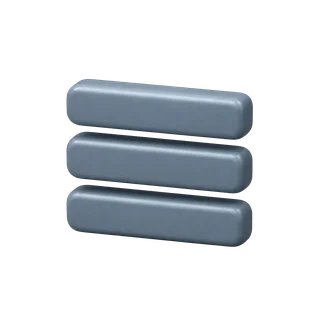
The Close icon, rendered in the catalog's clay 3D style with a transparent background, ready to download as webp, 1254 by 1254 pixels, for free and without registration.
It belongs to the core interface set — the kind of icon that shows up in navigation bars, toolbars and forms across almost any app or website, mobile or desktop.
Where the Close icon fits in an interface
- Top navigation bars and side menus
- Forms, input fields and validation states
- Empty states and onboarding screens
- Toolbars and row-level actions in lists
Frequently asked questions about the Close icon
What format and size does the Close icon come in?
Webp with a transparent background, 1254×1254 pixels. Convert it to png with any image tool if your project needs that format specifically.
Is the Close icon free to use in a commercial app?
Yes, it's free, with a license that requires no attribution — use it in a paid product without asking permission.
I need a different UI icon instead of Close — can I get one in the same style?
Yes — search the catalog first, and if there's no match, the empty search state offers to generate it in the same clay style.