AI Hug Video
Upload one photo where both people are visible

User Reviews
Anna K.
I animated a photo of my grandmother and me. Watched it ten times and cried every single one.
Pavel R.
My wife is abroad for three months. Sent her our hug from a photo — best thing I did all week.
Lena M.
Faces really stayed the same, that was the part I was afraid of. It just works.
Igor S.
Used a scanned photo from 1994. The quality was rough but the hug came out believable.
All AI for video creation
My Eight-Pack Abs — AI Video
Chubby Me — Funny AI Video

AI Video Generator
Photo to Video AI

Video Intro Maker
Logo Animation Maker
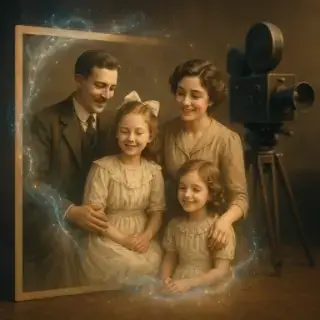
Animate Old Photos

Video Greeting Card Maker
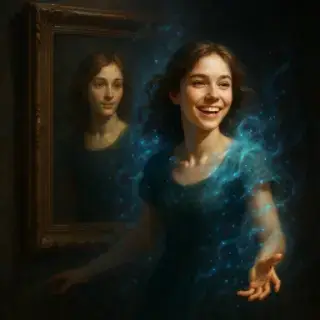
AI Portrait Animation

AI Avatar Generator

AI Video Generator with Sound
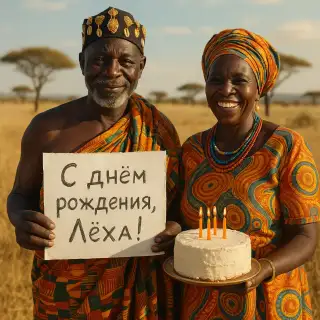
African Greeting Video

Talking Animals Video

Homeless Greeting Video

News Report Video Maker
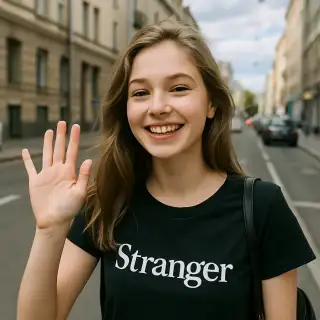
Greeting from Stranger Girl

Graduation Video Greeting

AI Kiss Video
Future Baby Video
Turn a Photo into a Warm Hug Video
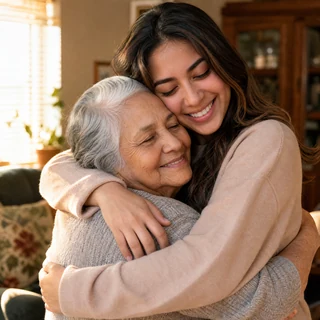
Some photos deserve one more second of life. Upload a picture where two people stand side by side and the AI will make them turn to each other and hug — warm, natural, with their real faces. Ten seconds, one photo, no editing skills needed.
Video Specifications
Video with AI-generated sound effects, music, and voice! Standard resolution 720p, 6 seconds.
Why This Hug Video Works
Real faces, not lookalikes
The AI adds motion but keeps facial identity pixel-faithful — no «beautifying», no age shift
Works with old photos
Scanned family photos and low-resolution shots animate just as well as modern selfies
Sound included
Ambient sound is generated together with the video — the clip is ready to send as is
One photo is enough
No need to combine two pictures — take any shot where both people are visible
How to Make a Hug Video
- Upload one photo where both people are clearly visible
- Press 'Make hug video'
- The AI animates the turn and the embrace, keeping faces unchanged
- Wait about a minute for the 10-second clip
- Download and send it to the person it is about
Best Use Cases
Long-distance relationships
Send a hug when you cannot be there in person — birthdays, deployments, long trips
Family archive
Bring an old family photo to life for an anniversary or a family chat
In memory of someone
A quiet, warm way to see a hug that a photo only hinted at
Social media
AI hug clips are a running trend in TikTok and Reels — one photo is all it takes
Tips for the Best Result
- Both faces should be visible and not overlapping
- Photos where people stand close together animate more naturally
- Avoid crowd shots — the AI can mix faces up
- Soft daylight beats a harsh flash
- If the motion looks off, regenerate — each run is slightly different
Frequently Asked Questions
How long does video generation take?
Video generation typically takes 2-5 minutes depending on the selected quality and current server load.
Can I use generated videos commercially?
Yes, all generated videos are yours to use for any purpose, including commercial projects.
What video formats are available?
Videos are generated in high-quality MP4 format, ready for sharing on any platform.
What's the difference between quality options?
Different quality options offer various features like loop support, sound generation, multiple versions, or higher resolution. Choose based on your specific needs.