AI Kiss Video
Upload one photo where both people are visible

User Reviews
Vera N.
Made one from our wedding photo for our tenth anniversary. My husband saved it as his wallpaper.
Dmitry A.
Cheek kiss was the right call — it looks sweet, not cringe.
Kate P.
Animated a photo of my mum kissing me as a toddler. Sent it to her. She called me crying.
Oleg T.
Took about a minute and the faces were spot on. No weird AI melting.
All AI for video creation
My Eight-Pack Abs — AI Video
Chubby Me — Funny AI Video
AI Video Generator
Photo to Video AI
Video Intro Maker
Logo Animation Maker
Animate Old Photos
Video Greeting Card Maker
AI Portrait Animation
AI Avatar Generator
AI Video Generator with Sound
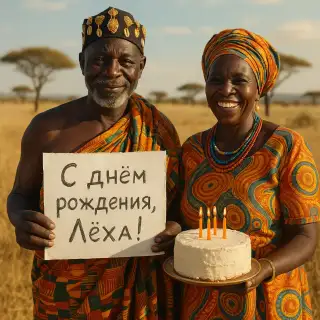
African Greeting Video

Talking Animals Video

Homeless Greeting Video

News Report Video Maker
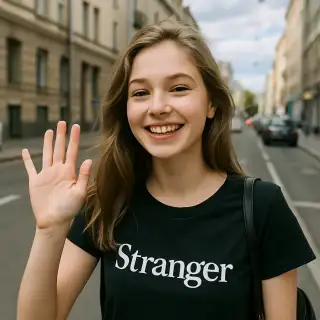
Greeting from Stranger Girl
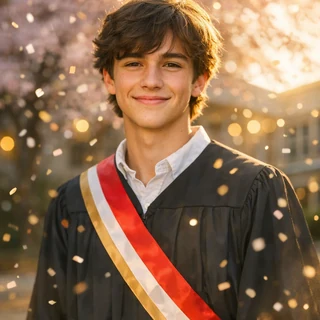
Graduation Video Greeting
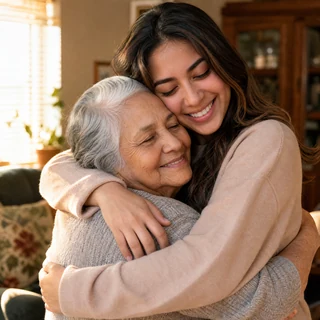
AI Hug Video
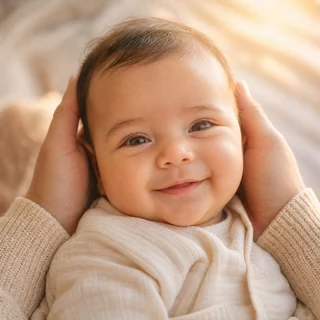
Future Baby Video
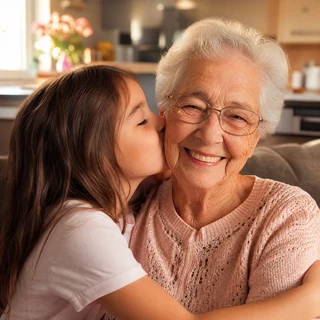
Turn a Photo into a Tender Kiss Video
A photo captures the moment right before the kiss. Upload it and the AI will play the moment itself: a soft lean-in, a kiss on the cheek, a smile. Ten seconds, real faces, no editing needed.
Video Specifications
Video with AI-generated sound effects, music, and voice! Standard resolution 720p, 6 seconds.
Why This Kiss Video Works
Tender, not awkward
A kiss on the cheek always reads warm — for couples, parents and children alike
Real faces, not lookalikes
Facial identity is preserved pixel-faithfully — the AI only adds motion
Sound included
Ambient sound comes with the clip — ready to post or send straight away
One photo is enough
Any shot where both people are visible works — no need to merge two pictures
How to Make a Kiss Video
- Upload one photo where both people are clearly visible
- Press 'Make kiss video'
- The AI animates a gentle kiss on the cheek and a smile
- Wait about a minute for the 10-second clip
- Download and share it
Best Use Cases
Anniversary greeting
Animate your favourite couple photo and send it instead of a postcard
Valentine's Day
A personal ten-second video beats any stock e-card
Family photos
Parent and child, grandmother and grandchild — the cheek kiss suits any family shot
Social media
AI kiss clips are a steady TikTok and Reels trend — one photo is all it takes
Tips for the Best Result
- Both faces should be visible and not overlapping
- Photos taken close-up animate more naturally than full-body shots
- Avoid crowd shots — the AI can mix faces up
- Profiles and three-quarter angles give the most natural lean-in
- If the motion looks off, regenerate — each run is slightly different
Frequently Asked Questions
How long does video generation take?
Video generation typically takes 2-5 minutes depending on the selected quality and current server load.
Can I use generated videos commercially?
Yes, all generated videos are yours to use for any purpose, including commercial projects.
What video formats are available?
Videos are generated in high-quality MP4 format, ready for sharing on any platform.
What's the difference between quality options?
Different quality options offer various features like loop support, sound generation, multiple versions, or higher resolution. Choose based on your specific needs.