Future Baby Video
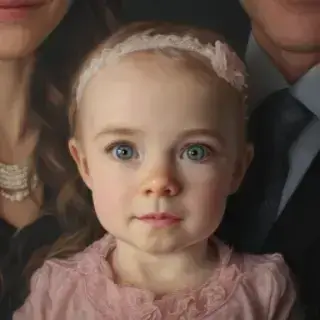
Want just the portrait without a video? Try AI Baby Predictor

User Reviews
Marina S.
We made the portrait first, then the video. My husband went quiet for a whole minute.
Nikita B.
Used it for our pregnancy announcement post. Most-viewed thing I have ever posted.
Yulia D.
Animated a real photo of my daughter instead. The blink and the smile are unbelievably natural.
Artem V.
Two steps sounded like a hassle but the whole thing took under five minutes.
All AI for video creation
My Eight-Pack Abs — AI Video
Chubby Me — Funny AI Video

AI Video Generator
Photo to Video AI

Video Intro Maker
Logo Animation Maker
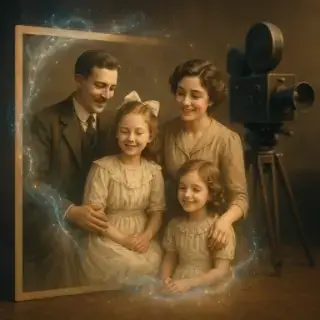
Animate Old Photos

Video Greeting Card Maker
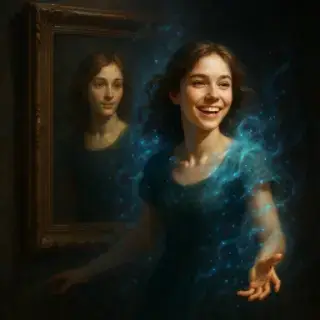
AI Portrait Animation

AI Avatar Generator

AI Video Generator with Sound

African Greeting Video

Talking Animals Video

Homeless Greeting Video

News Report Video Maker

Greeting from Stranger Girl

Graduation Video Greeting
AI Hug Video

AI Kiss Video
Animate Your Future Child's Portrait
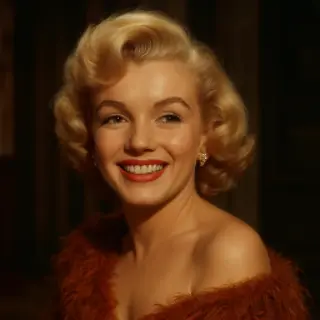
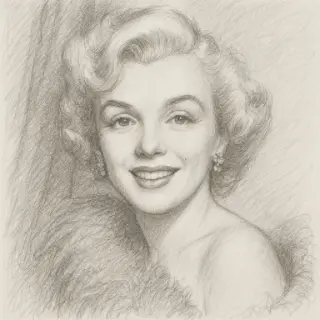
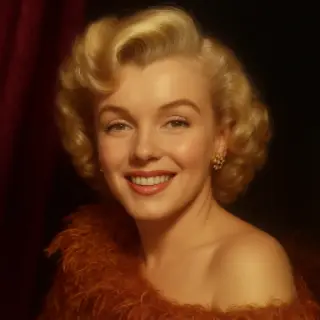
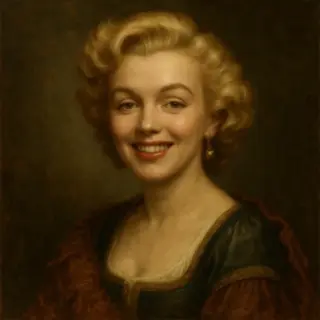
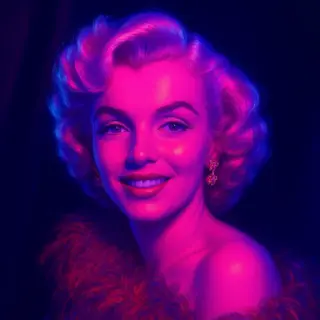
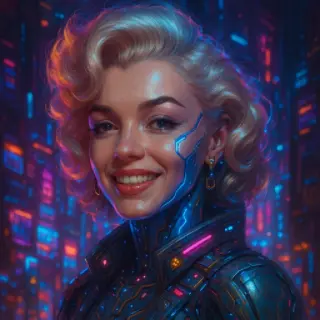
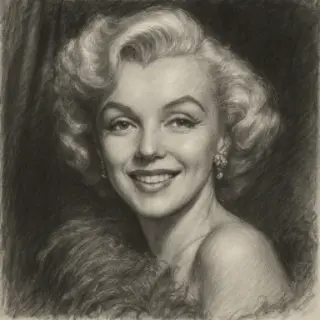
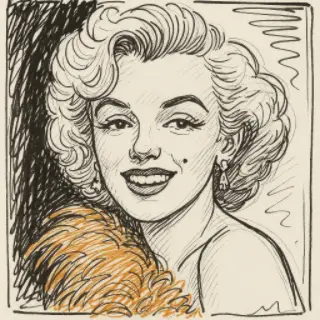
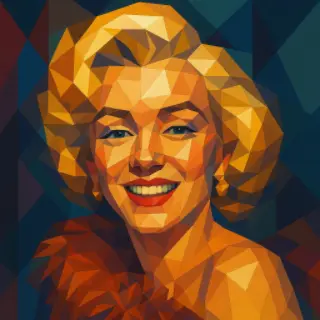
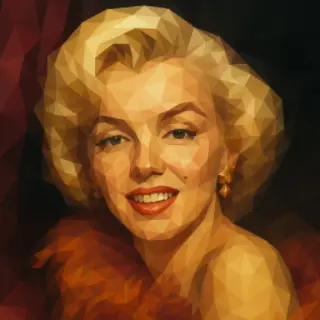
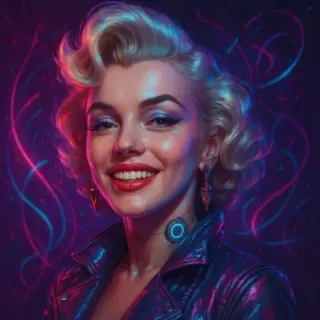
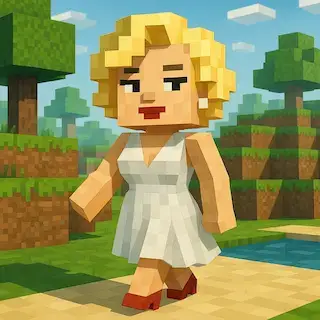
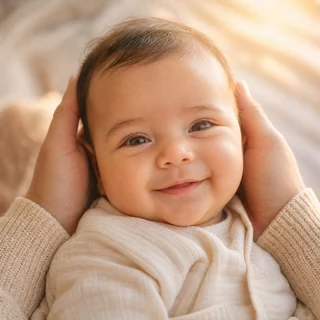
Upload photos of both parents and see your future child — not as a still picture, but alive. The AI first predicts the baby's portrait from the parents' faces, then turns it into a living ten-second clip — a smile, a blink, a tiny turn of the head.
Video Specifications
Video with AI-generated sound effects, music, and voice! Standard resolution 720p, 6 seconds.
Why People Love It
Two steps, both free to try
First the portrait from the parents' photos, then the video — no editing skills needed
The child stays a child
The AI is explicitly told not to age or adultify the face — only motion is added
Sound included
Soft ambience is generated with the clip, so it feels alive rather than looped
Works with any child photo
Not only AI portraits — a real photo of your own child animates just as well
How to Make the Future Baby Video
- Open the AI Baby Predictor and upload photos of both parents
- Download the generated portrait you like most
- Come back here and upload that portrait
- Press 'Make baby video' and wait about a minute
- Download the 10-second clip and share it
Best Use Cases
Pregnancy announcement
A living portrait of the future baby makes the news impossible to scroll past
Gender reveal and baby shower
Show the guests a ten-second glimpse instead of a printed picture
Just curious as a couple
The classic 'what would our kid look like' game, now with motion and sound
Animating a real child's photo
Turn a favourite portrait of your own kid into a short living memory
Tips for the Best Result
- Use a portrait where the face is large and clearly visible
- Vertical photos work better than landscape ones
- Eyes open in the source photo give a much livelier blink
- One child per photo — group shots confuse the AI
- If the result feels static, regenerate — each run differs slightly
Frequently Asked Questions
How long does video generation take?
Video generation typically takes 2-5 minutes depending on the selected quality and current server load.
Can I use generated videos commercially?
Yes, all generated videos are yours to use for any purpose, including commercial projects.
What video formats are available?
Videos are generated in high-quality MP4 format, ready for sharing on any platform.
What's the difference between quality options?
Different quality options offer various features like loop support, sound generation, multiple versions, or higher resolution. Choose based on your specific needs.