AI Video Generators
Photo to Video AI
Animate Old Photos
AI Video Generator

AI Video Generator with Sound
Video Intro Maker
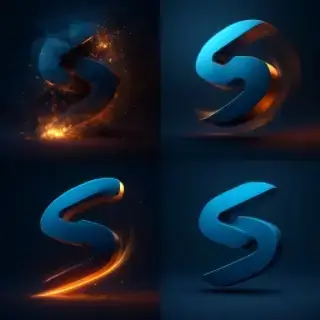
Logo Animation Maker

Video Greeting Card Maker
AI Avatar Generator
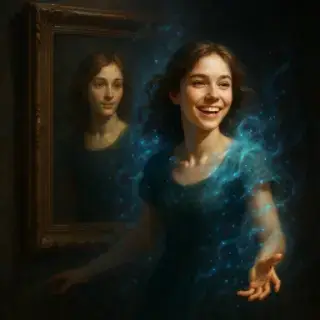
AI Portrait Animation

AI Hug Video

AI Kiss Video
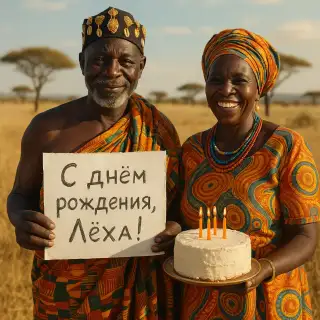
African Greeting Video

Future Baby Video
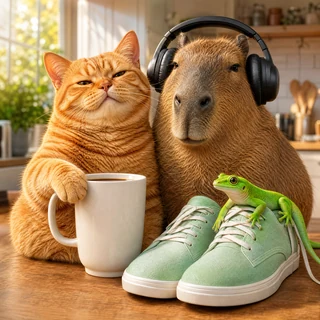
AI Product Ad Video with a Mascot

Talking Animals Video

Homeless Greeting Video

News Report Video Maker
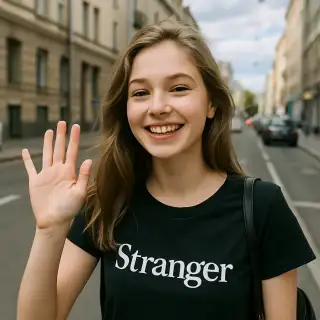
Greeting from Stranger Girl
My Eight-Pack Abs — AI Video
Chubby Me — Funny AI Video

Graduation Video Greeting
User Reviews
Chris W.
I create TikTok content and these AI video generators are a game-changer. Unique clips in minutes that would take hours to film and edit manually.
Emily R.
Perfect for YouTube intros and transitions. The animated photo feature brings my thumbnails to life. My subscribers love the creative visual effects!
Jason M.
As a social media manager, I use this for Instagram Reels and Stories. The variety of video styles helps me keep content fresh and engaging across multiple accounts.
Laura G.
Good tool for product showcase videos. I animate product photos for my online store — looks much more professional than static images in listings.

Create Video Content with AI — Clips, Animated Photos, Intros and More
Choose the perfect AI video generator for your content. Create short clips for TikTok, animated photos, YouTube intros, Instagram stories, and more.
Frequently Asked Questions
What types of videos can I create with AI?
You can create short clips, animated photos, video intros, social media stories, product showcases, and more. Choose a preset that matches your creative vision — each one is tuned for a specific video style.
Can I add sound or music to generated videos?
Yes! We have separate presets for videos with sound and muted videos. Videos with sound include AI-generated audio that matches the visual content perfectly.
What video formats and resolutions are supported?
Generated videos are available in MP4 format. Resolution and duration vary by preset — from short 3-second clips to longer sequences. Perfect for TikTok, Instagram Reels, YouTube Shorts, and other platforms.
How long does video generation take?
Video generation typically takes 1–5 minutes depending on the preset and queue. You'll receive a notification when your video is ready to download.