AI Christmas Card Generator with Photo
Make a Christmas Card with Photo in Any Style
Keep the greeting short — long text may render incorrectly. Photos are optional.




























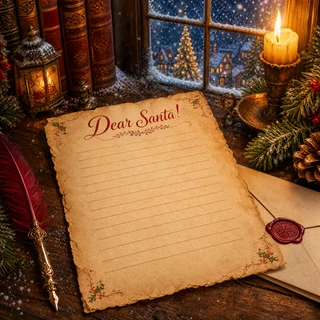
Make a Christmas Card with Photo in Any Style
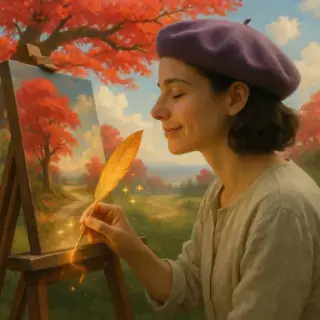
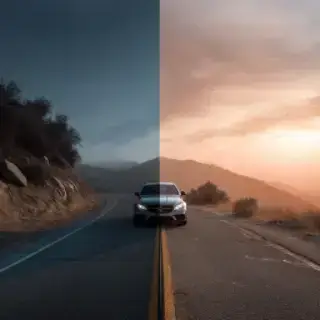
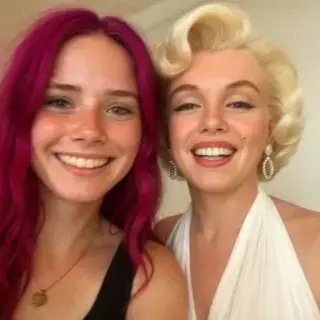
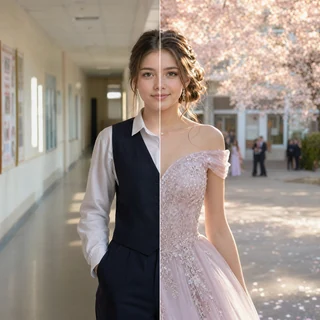
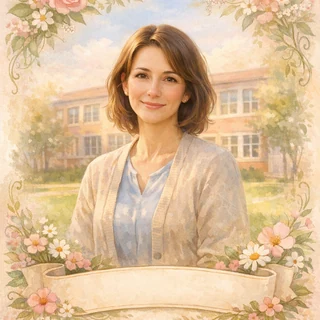
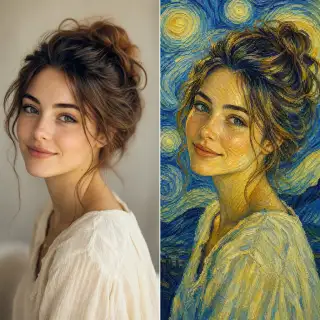
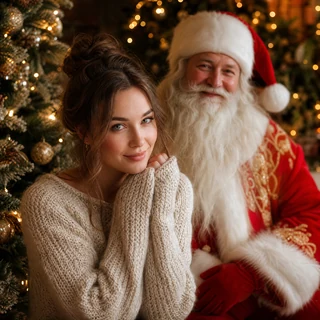
Generate a personal Christmas card with AI. Pick a style — nativity scene, angel, vintage postcard, snowy village, knitted wool — upload photos so your family appears on the card, and add your own greeting.
Available Quality Options
How to Make a Christmas Card with AI
- Pick a card style
- Upload photos (optional)
- Write a short greeting
- Choose the card format
- Generate and download the card
Christmas Card with Photo
Photos on the Card
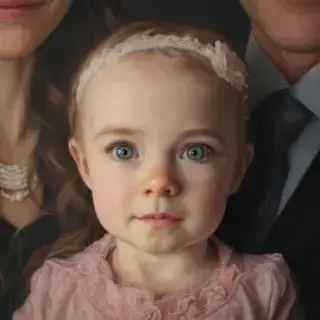
Uploaded people appear on the card in the chosen style with recognizable faces
Your Own Greeting
The text is written right into the composition, in Russian or any language
Six Styles
From a nativity scene and a vintage postcard to knitted wool and a watercolor wreath
Print or Send
High quality for a printed card, a messenger chat or a social media post
Christmas Card Ideas
Orthodox Christmas Card
A warm card with the Star of Bethlehem and a nativity scene for January 7
Vintage Postcard
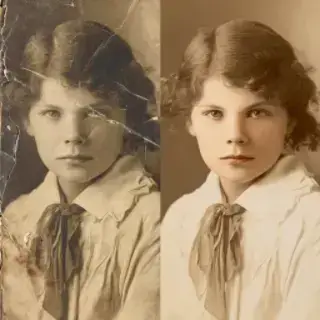
A nostalgic card in the spirit of old Christmas postcards — for parents and grandparents
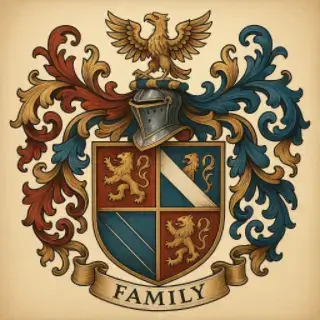
Family Christmas Card
Put the whole family on one card and send it to relatives
Christmas on December 25
A Santa, wreath and stockings style greeting for the Western Christmas
Tips
- Keep the greeting to three or four words
- Upload photos with clearly visible faces
- Pick vertical for messengers and stories, square for a feed post
- Check the spelling of names in the greeting before you download
- Generate a couple of variants and pick the one you like
User Reviews
Lyudmila K.
Made a card with a nativity scene and our family photo for my grandmother. She printed it and put it on the shelf.
Sergey P.
The vintage postcard style looks like a real old one, and the greeting came out without mistakes.
Olga T.
Sent a knitted Christmas card to all my friends in the chat. Everyone asked how I made it.