Memorial Headstone Photo
Upload a photo of the deceased — AI will restore the details, clean the background and prepare it for engraving on granite, ceramic or glass. Optionally specify the full name and life years for the inscription.
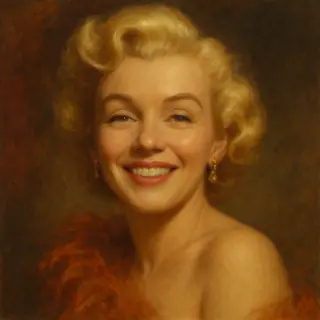
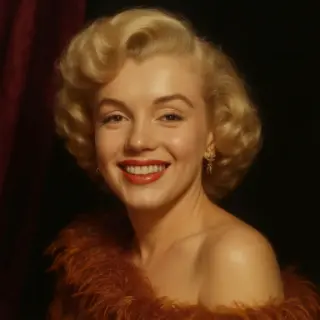
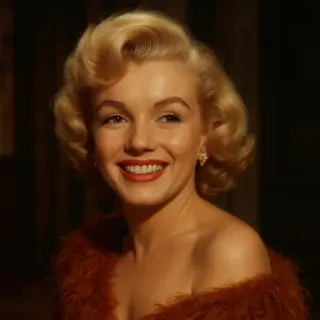
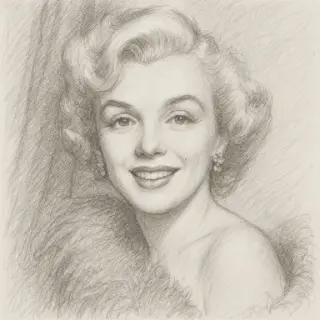
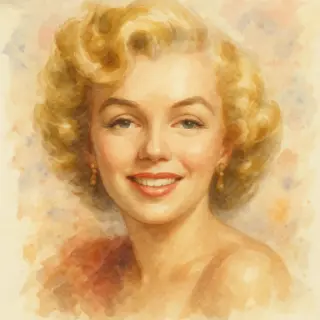
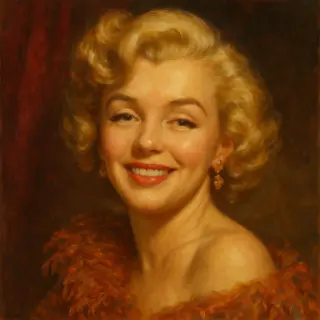
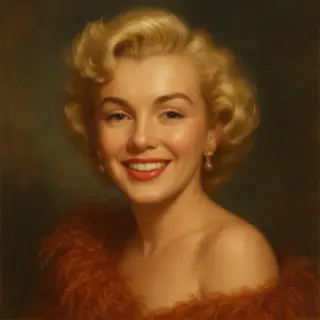
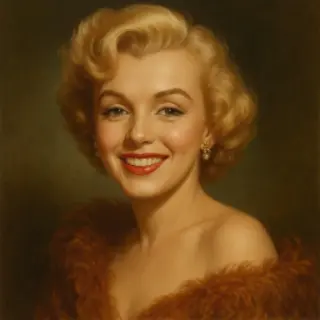
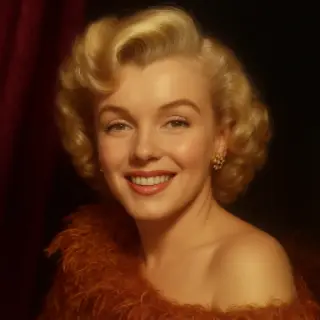
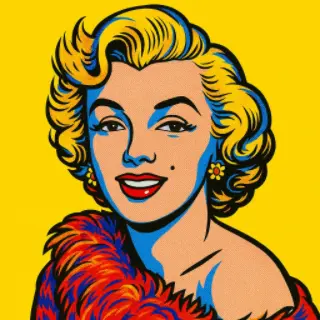
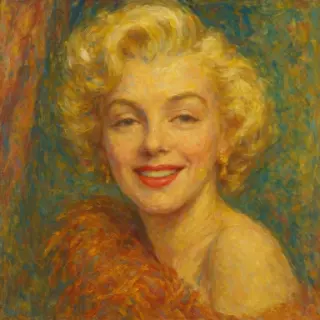
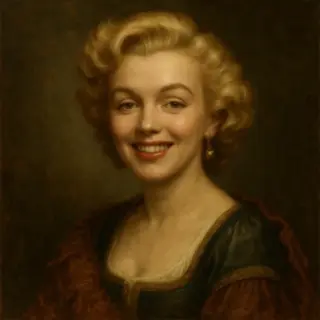
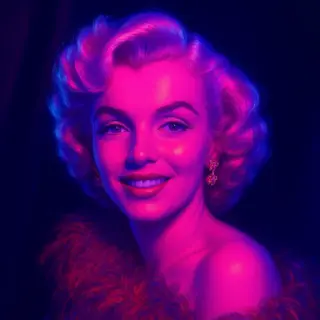
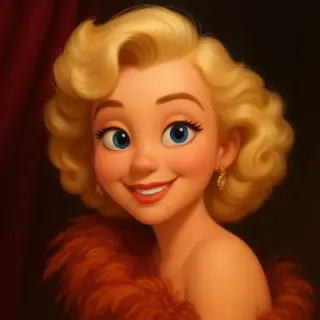
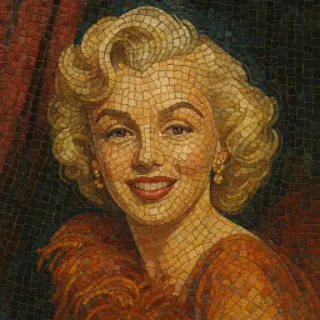
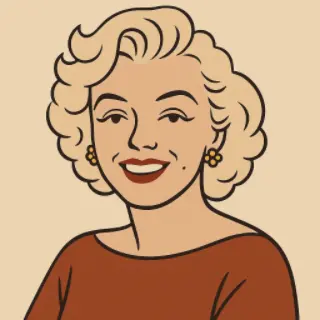
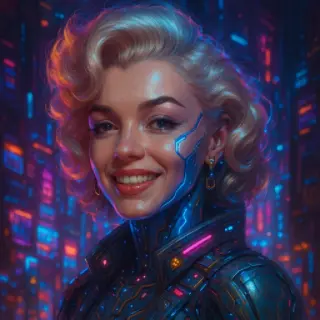
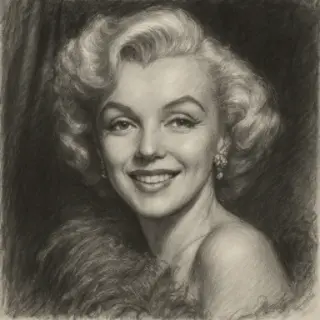
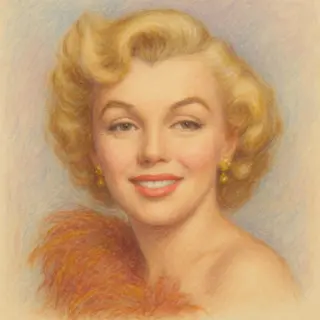
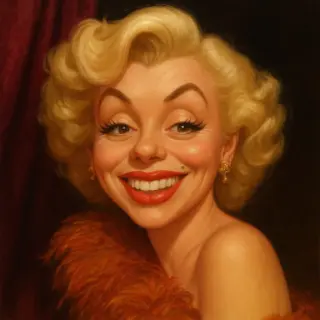
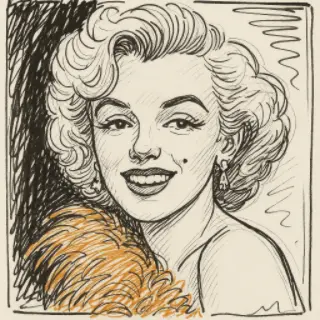
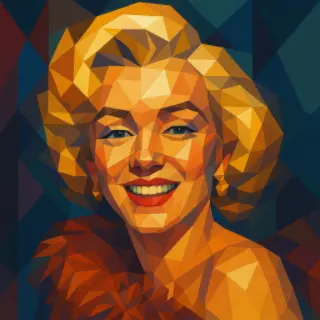
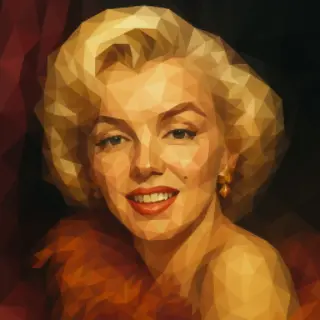
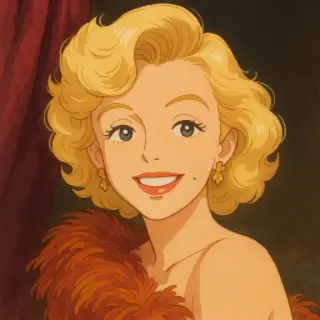
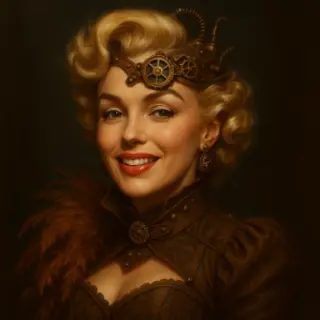
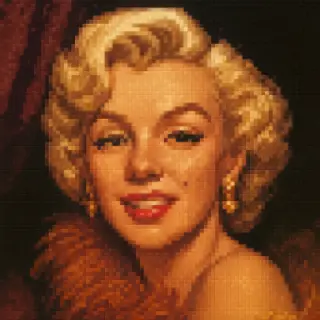
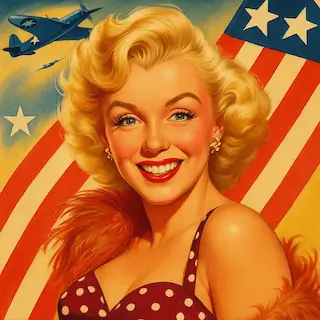
Examples of created images


User Reviews
Lyudmila P.
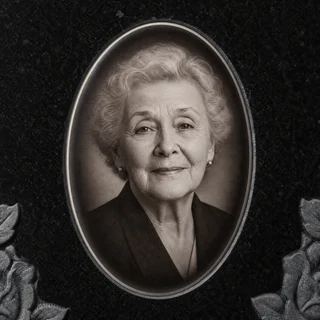
The only photo of my mother was creased and faded. The AI restored her face beautifully and put it into an oval — the workshop accepted it for granite engraving without any rework.
Igor S.
Tried five different photo editors before this — nothing got the face sharp enough. Here it took two minutes and looked great on the headstone.
Vera N.
The B&W for granite option was exactly what the engraver asked for. Saved the workshop a day of manual retouching.
Marina K.
We chose the sepia option for the ceramic plate — looks tender and warm, exactly what we wanted to remember our grandmother by.
All AI for image generation

QR Code Generator

Movie Poster Generator

AI Icon Generator
AI Image Generator
AI Image Editor
AI Portrait Generator
AI Photo Enhancer
AI Celebrity Selfie Generator
AI Baby Predictor
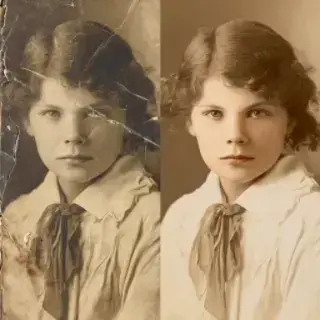
AI Photo Restoration
AI Age Filter

AI Avatar Creator

AI Thumbnail Maker
AI Photoshoot Generator

AI Greeting Card Maker
AI Logo Generator

AI Banner Maker

AI Interior Design

AI Sticker Maker
Family Coat of Arms Generator
AI Product Photo Generator
Remove Background Online

Change Photo Background
AI Face Swap
How Will My Child Look at 18
AI Image Upscaler
Victory Day Card Generator

Easter Card Generator

Mother's Day Card Generator

Halloween Card Generator with Photo
Thanksgiving Card Maker with Photo
National Unity Day Card with Photo
Immortal Regiment Frame
Memorial Headstone Photo
AI Photo Colorizer
AI Clothes Changer
Am I Pretty? AI Beauty Test
Graduation Look Online

Teacher's Card with the Teacher's Photo and the School

Photo to Anime
AI Art Style
AI Object Remover
AI Image Expander
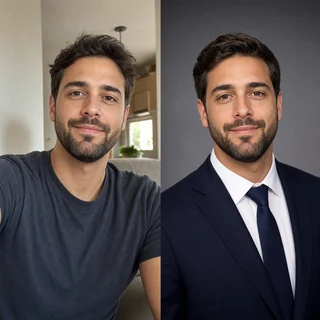
AI Headshot Generator

AI Passport Photo Maker

School Timetable Template

Fill In Class Schedule Online
Online AI Editor for Gravestone Photo Restoration
Prepare a photo for headstone engraving online for free. AI restores an old, damaged photo of a loved one, removes scratches and creases, sharpens the face, cleans the background — and crops the portrait into an oval or rectangular layout ready for granite, ceramic or glass engraving. No sign up, no watermarks.
How to Prepare a Photo for a Headstone
- Upload a photo of the deceased — even an old damaged scan will work.
- Choose a layout from the suggestions: oval on dark, rectangle, B&W for granite, sepia, color or just restoration.
- Optionally type in the full name and life years for the inscription.
- Press 'Generate photo' — the AI restores and prepares the portrait in seconds.
- Download the high-resolution result and send it to the workshop for engraving.
What the Editor Can Do
AI Photo Restoration
Removes scratches, stains, creases and fading; reconstructs lost facial details so the portrait remains sharp when enlarged for engraving.
Oval and Rectangle Layouts
Standard oval vignette for ceramic medallions, or a clean rectangular 2:3 crop the engraver can shape to any plate.
B&W, Sepia and Color
Pick high-contrast monochrome for granite point engraving, warm sepia tone, or natural colorization for ceramic plates.
Clean Neutral Background
Replaces a cluttered background with a smooth dark or light gradient suitable for headstone engraving.
Layouts and Materials
Oval Portrait for Ceramic Plates
Soft oval vignette on a dark background — the classical layout for ceramic photo medallions attached to a headstone.
Granite Point Engraving
High-contrast B&W oval with maximum tonal range across the face — optimized for point engraving on dark granite.
Rectangular Crop for the Workshop
Clean rectangular 2:3 portrait with a neutral background — the workshop will crop it to the exact plate shape.
Restoration Only
Pure restoration without crop or background change — for those who already have a workshop template.
Tips for the Best Engraving
- Upload the highest-resolution scan you have — engravers enlarge the photo by 10x, every detail matters.
- For granite engraving, choose B&W: point engraving works in tonal contrast, not in color.
- For ceramic photo plates, you can keep natural color or use sepia tone for a classic look.
- Face must be clearly visible — even if the rest of the photo is heavily damaged, AI will reconstruct the surroundings.
- Result is 300+ dpi and prints crisp on a standard A4 sheet or any memorial plate.
Key Features:
- Various artistic styles: realistic, cinematic, watercolor, cartoon, and more
- High portrait similarity to original photo
- Support for multiple reference photos
- Customizable details and background
- High-resolution images