AI Object Remover
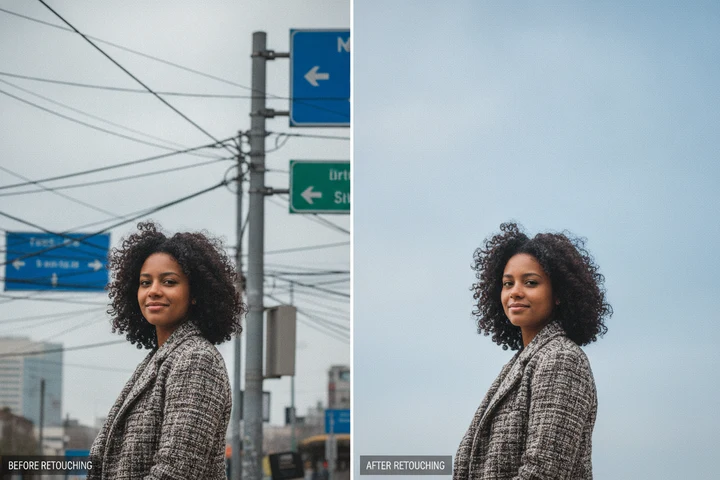
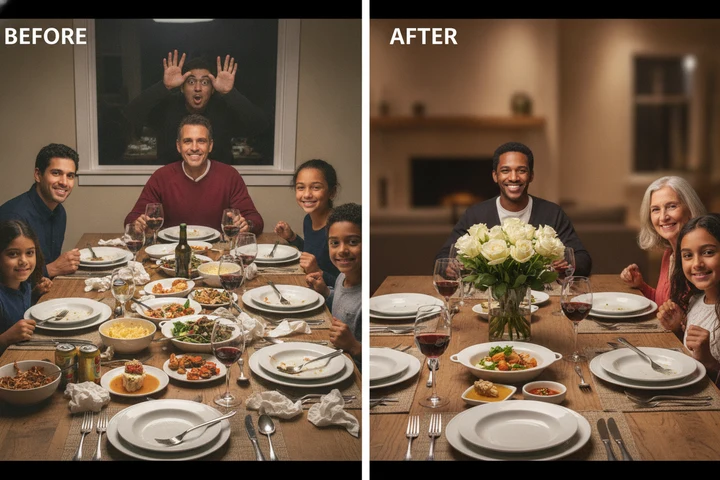
Upload a photo and describe what to remove
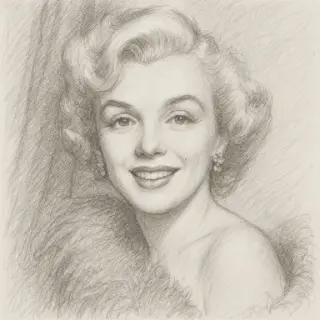
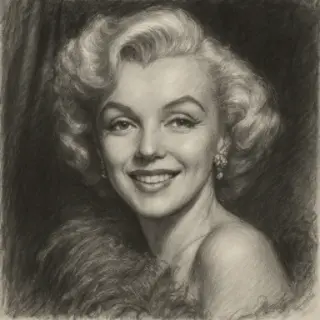
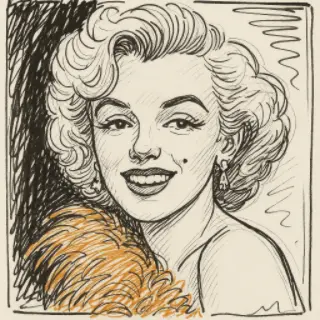
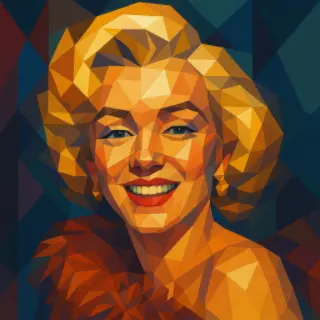
Examples of created images

User Reviews
Megan F.
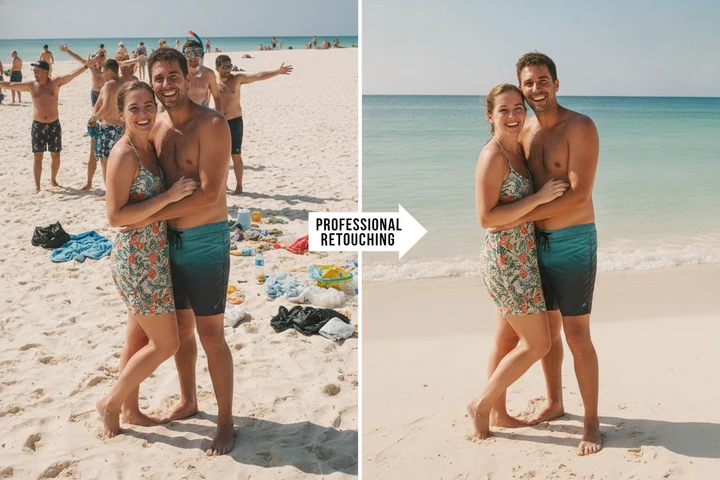
Removed a random tourist from our honeymoon photo in front of the Eiffel Tower. You can't tell at all!
Pavel N.
Cleaned up the background of my listing photos — removed bins and cables. Looks professional now.
Aisha K.
Erased an old watermark from a photo and the background came back perfectly.
All AI for image generation
QR Code Generator

Movie Poster Generator

AI Icon Generator

AI Image Generator

AI Image Editor

AI Portrait Generator
AI Photo Enhancer

AI Celebrity Selfie Generator
AI Baby Predictor
AI Photo Restoration
AI Age Filter

AI Avatar Creator

AI Thumbnail Maker

AI Photoshoot Generator

AI Greeting Card Maker

AI Logo Generator

AI Banner Maker

AI Interior Design

AI Sticker Maker

Family Coat of Arms Generator

AI Product Photo Generator

Remove Background Online

Change Photo Background
AI Face Swap
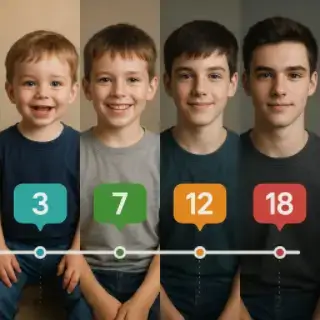
How Will My Child Look at 18

AI Image Upscaler

Victory Day Card Generator

Easter Card Generator

Mother's Day Card Generator

Halloween Card Generator with Photo

Thanksgiving Card Maker with Photo

National Unity Day Card with Photo
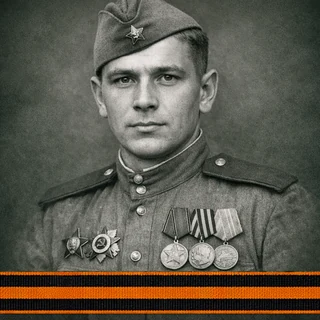
Immortal Regiment Frame
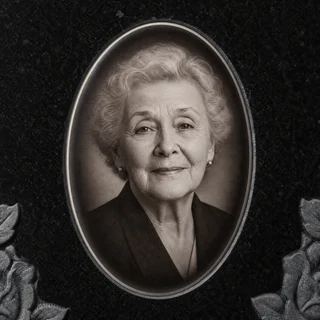
Memorial Headstone Photo
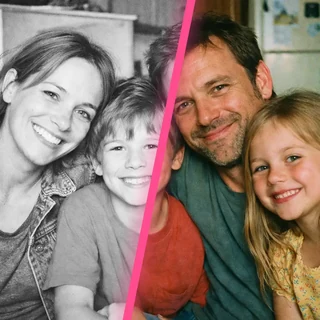
AI Photo Colorizer

AI Clothes Changer

Am I Pretty? AI Beauty Test
Graduation Look Online

Teacher's Card with the Teacher's Photo and the School

Photo to Anime

AI Art Style

AI Object Remover
AI Image Expander

AI Headshot Generator

AI Passport Photo Maker

School Timetable Template

Fill In Class Schedule Online
Remove Objects and People from a Photo
Get rid of anything you don't want in your photo. Just upload the image and describe what to erase — a photobomber, a car, a wire, text, or clutter — and our AI removes it and rebuilds the background so it looks like it was never there. Free, online, no sign up.
How to Remove an Object from a Photo
- Upload the photo you want to clean up
- Describe what should be removed
- AI removes it and rebuilds the background
- Preview and download the clean photo
Object Remover Features
Remove Anything
People, cars, wires, text, logos, clutter — just describe it
Smart Background Fill
The area behind the object is reconstructed realistically
Keeps the Rest Intact
Everything else in the photo stays exactly the same
No Editing Skills
No masking or brushes — describe it in words
Object Remover Use Cases
Perfect Travel Photos
Remove tourists and photobombers from your vacation shots
Clean Product Shots
Erase clutter and distractions around your product
Remove Watermarks & Text
Clean up unwanted text, dates, or logos
Real Estate
Remove cars, bins, or clutter from property photos
Tips for Best Removal
- Be specific about which object to remove (position, color)
- Remove one thing at a time for the cleanest result
- Mention what should stay if objects are close together
- Higher-resolution photos rebuild backgrounds better
Key Features:
- Various artistic styles: realistic, cinematic, watercolor, cartoon, and more
- High portrait similarity to original photo
- Support for multiple reference photos
- Customizable details and background
- High-resolution images