AI Image Expander
Upload a photo and choose the target aspect ratio to expand into
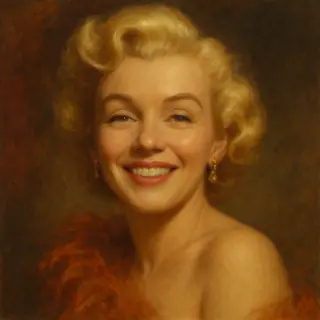
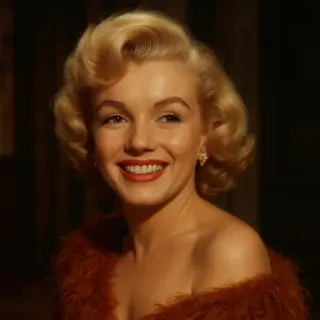
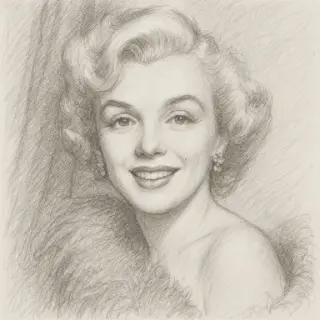
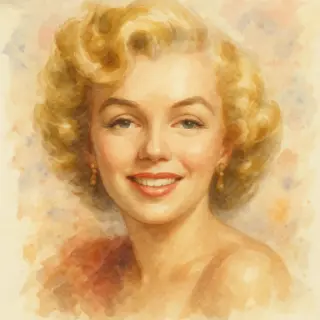
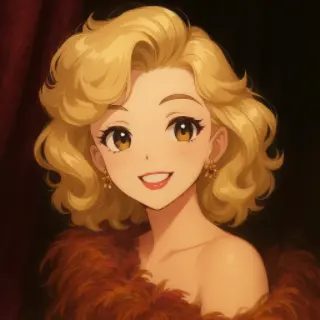
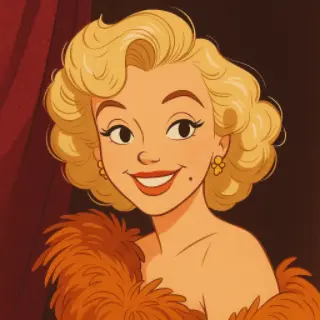
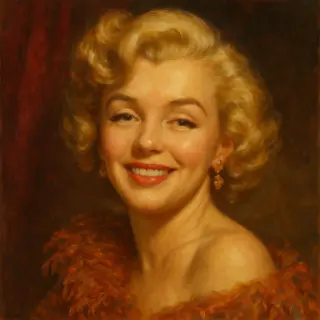
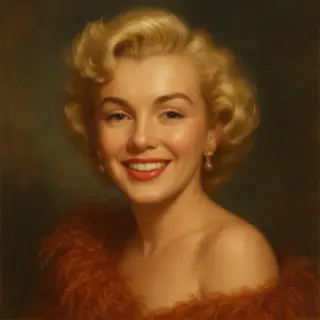
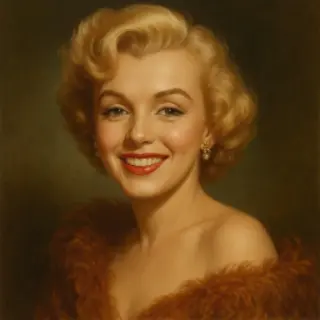
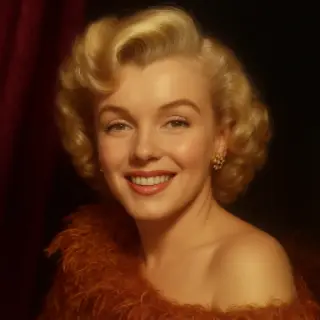
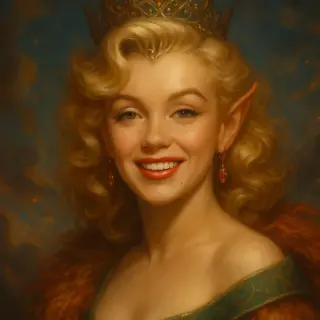
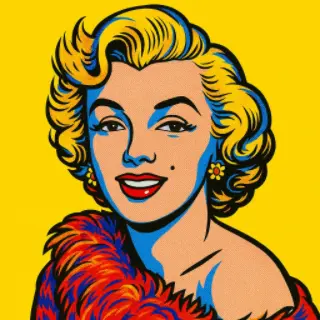
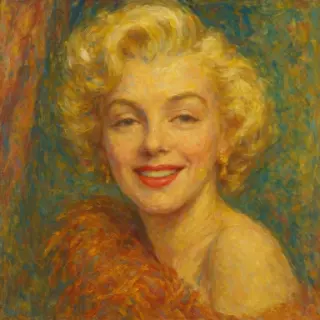
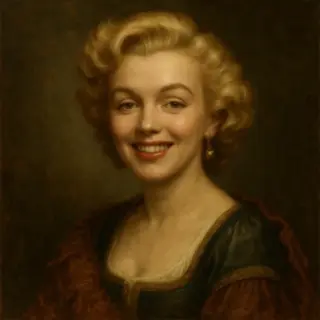
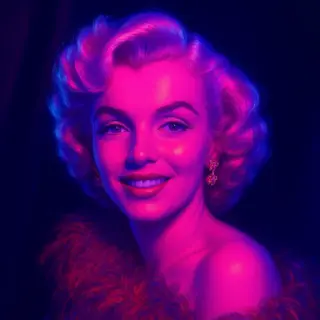
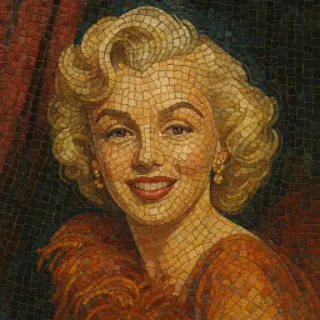
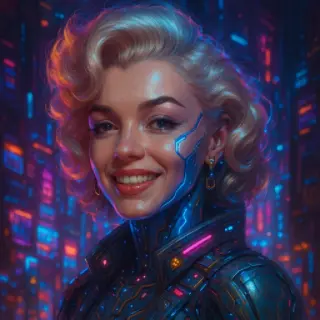
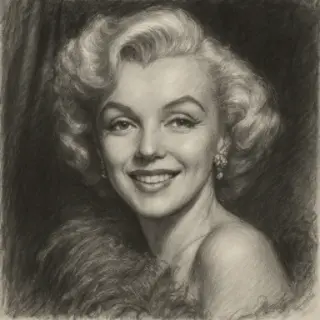
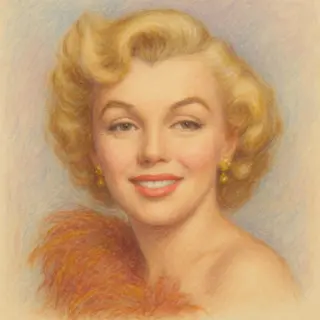
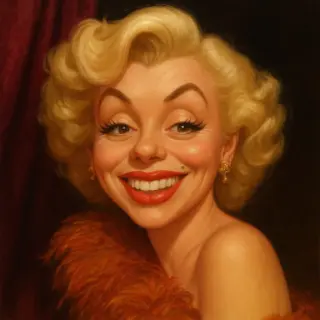
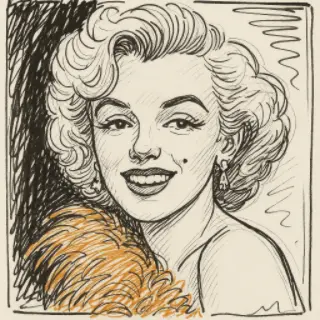
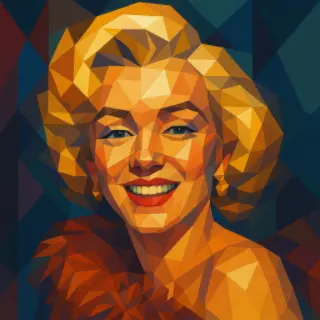
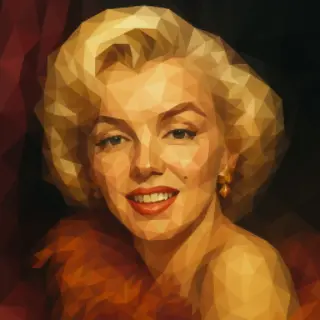
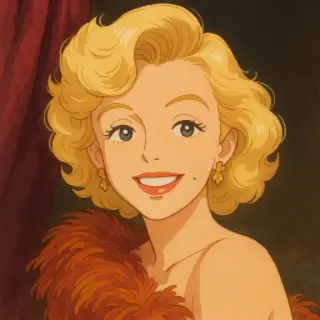
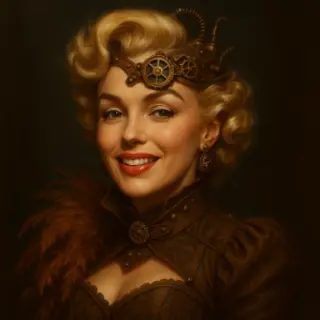
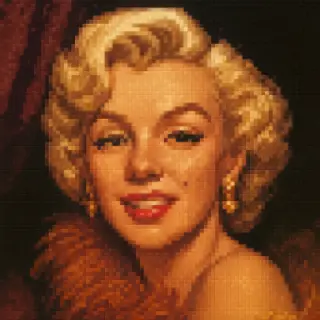
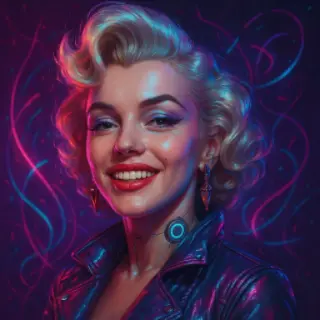
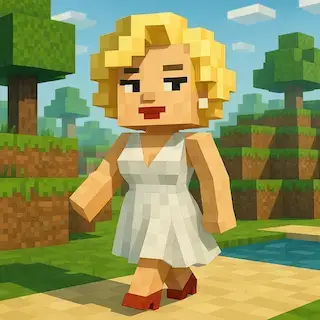
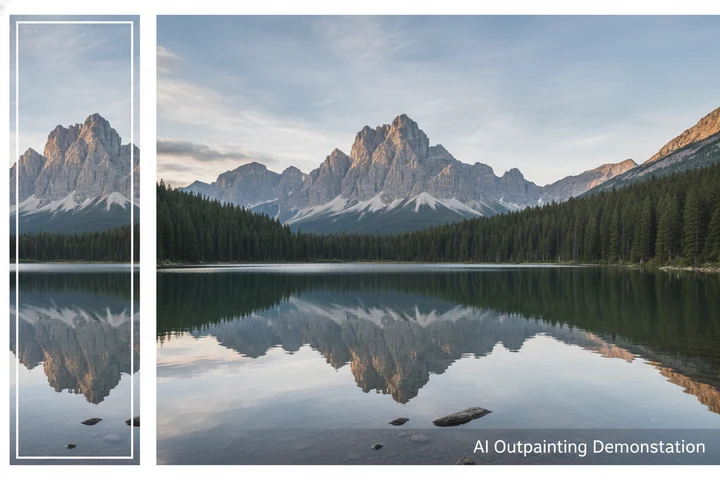
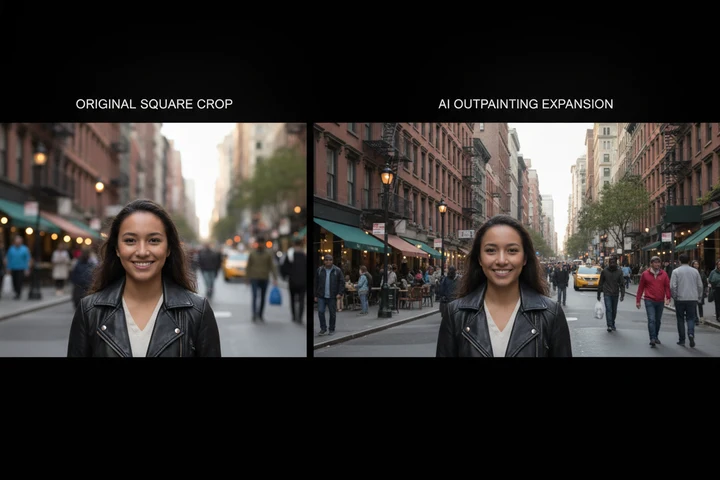
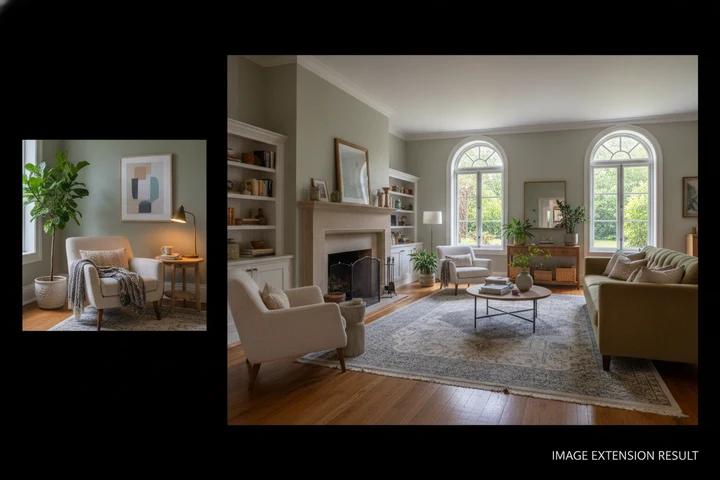
Examples of created images

User Reviews
Chris D.
Turned a tight vertical phone photo into a wide desktop wallpaper. The extended sky looks completely real.
Olga T.
Needed a landscape banner from a square photo for my shop header. Worked perfectly in one try.
Sam W.
Our group photo was cropped too tight. This added space on both sides and nobody can tell.
All AI for image generation

QR Code Generator

Movie Poster Generator

AI Icon Generator
AI Image Generator
AI Image Editor

AI Portrait Generator
AI Photo Enhancer
AI Celebrity Selfie Generator
AI Baby Predictor
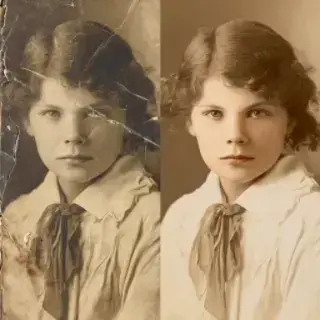
AI Photo Restoration
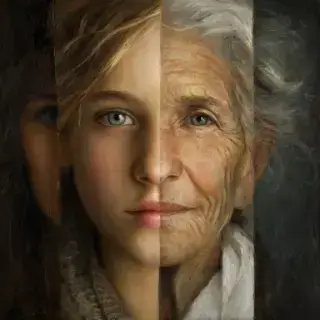
AI Age Filter
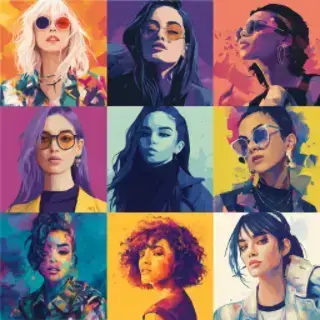
AI Avatar Creator

AI Thumbnail Maker
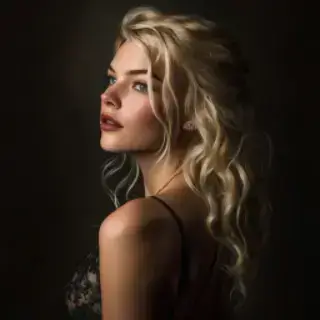
AI Photoshoot Generator

AI Greeting Card Maker
AI Logo Generator

AI Banner Maker
AI Interior Design

AI Sticker Maker

Family Coat of Arms Generator

AI Product Photo Generator
Remove Background Online

Change Photo Background
AI Face Swap
How Will My Child Look at 18
AI Image Upscaler

Victory Day Card Generator

Easter Card Generator

Mother's Day Card Generator
Halloween Card Generator with Photo

Thanksgiving Card Maker with Photo
National Unity Day Card with Photo
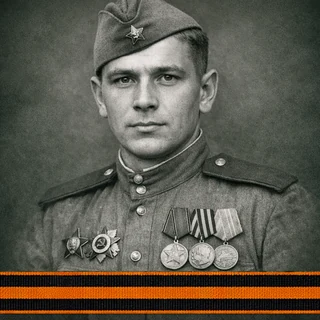
Immortal Regiment Frame
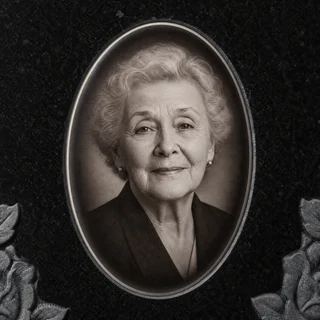
Memorial Headstone Photo
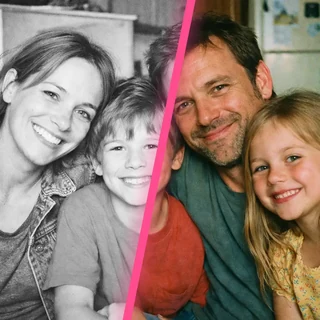
AI Photo Colorizer
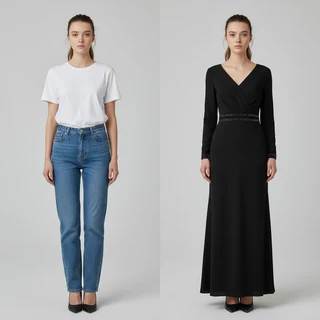
AI Clothes Changer
Am I Pretty? AI Beauty Test
Graduation Look Online

Teacher's Card with the Teacher's Photo and the School
Photo to Anime
AI Art Style
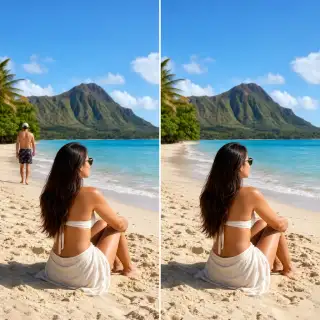
AI Object Remover
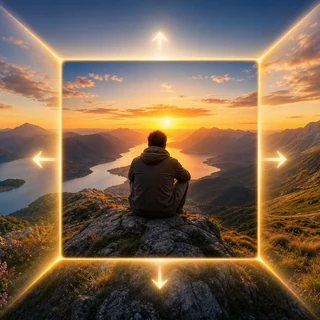
AI Image Expander
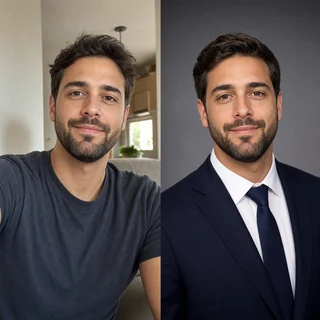
AI Headshot Generator
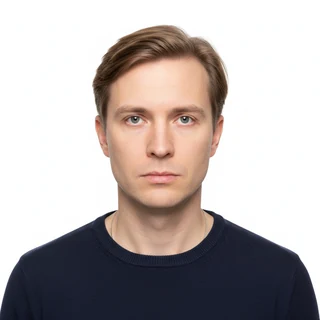
AI Passport Photo Maker

School Timetable Template

Fill In Class Schedule Online
Uncrop and Extend Photos with AI
Turn a cropped or awkwardly-sized photo into a perfectly framed image. Our AI extends the picture beyond its original edges — generating matching background, sky, or surroundings — so it fits any aspect ratio you need for social media, print, or banners. Free, online, no sign up.
How to Expand an Image
- Upload the photo you want to expand
- Choose the target aspect ratio
- Optionally describe what to add in the new area
- Generate and download the expanded image
Image Expander Features
Uncrop Any Photo
Recover space that was cropped out or never captured
Any Aspect Ratio
Fit square, portrait, landscape, or wide banner formats
Seamless Fill
New background blends invisibly with the original
Original Stays Intact
Only new area is added — your photo is untouched
Image Expander Use Cases
Social Media Formats
Reformat a portrait into a landscape post or story
Banners & Headers
Turn a small photo into a wide website or profile banner
Fix Tight Crops
Add breathing room when a subject is too close to the edge
Print Sizes
Adapt a photo to a standard print aspect ratio
Tips for Best Expansion
- Photos with simple backgrounds extend most seamlessly
- Pick an aspect ratio close to the original for subtle edits
- Describe the surroundings if the background is complex
- Keep the main subject away from the far edges
Key Features:
- Various artistic styles: realistic, cinematic, watercolor, cartoon, and more
- High portrait similarity to original photo
- Support for multiple reference photos
- Customizable details and background
- High-resolution images